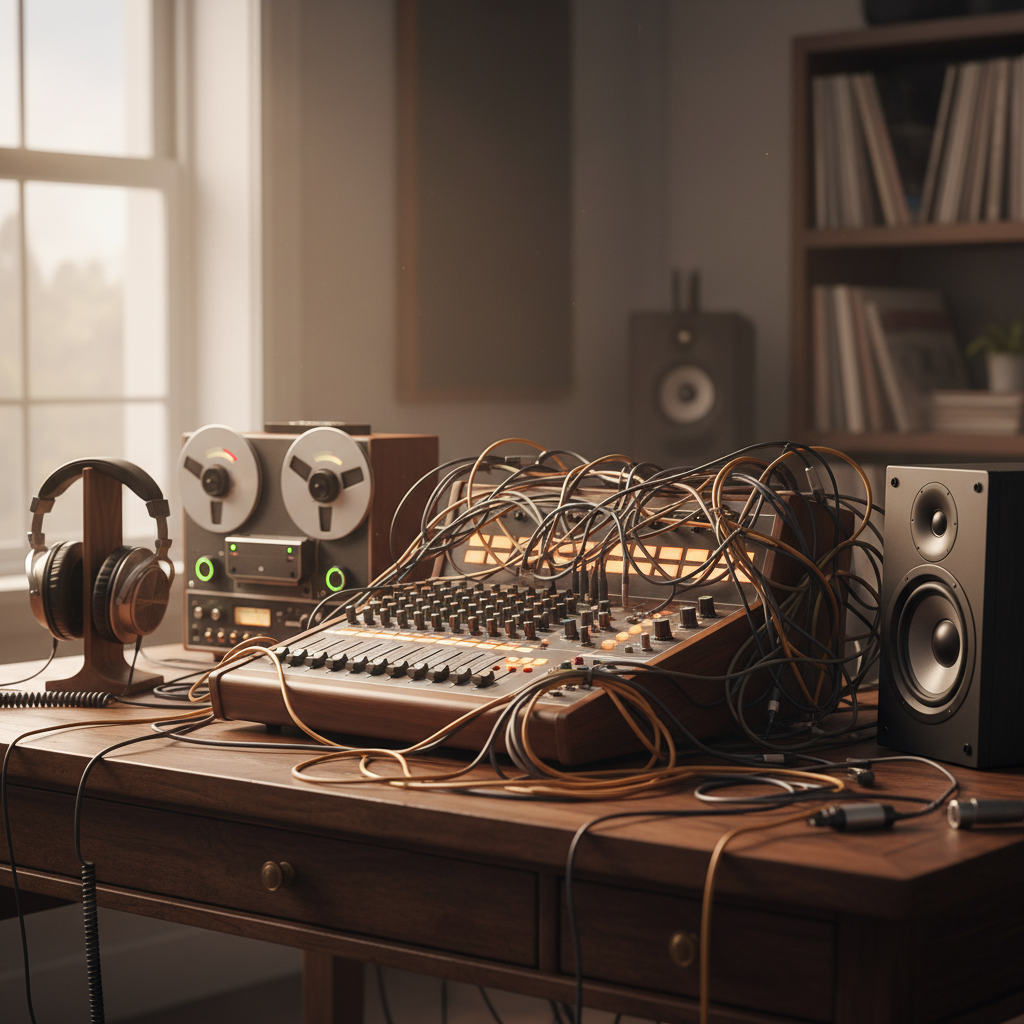
Untangling Your Tunes: A Beginner’s Guide to Connecting Audio Devices
Ever gazed at a tangle of cables, wondering how to get your new turntable to play through your old speakers, or connect your digital piano to your headphones? You’re not alone! Many beginner music enthusiasts face the perplexing puzzle of connecting their audio devices to create a seamless listening or playing experience. This article will demystify the art of audio connectivity, helping you transform that jumble of wires into harmonious sound.
The Common Conundrums: What’s Not Playing Nice?
The most frequent hurdle for newcomers is understanding the different types of audio inputs and outputs. “Does this RCA cable go into the ‘line in’ or ‘phono’?” “Why does my Bluetooth speaker sound muffled when connected to my computer?” These questions often stem from a misunderstanding of signal types and connector compatibility. For instance, connecting a turntable directly to a standard “line in” port without a preamplifier will result in a very faint, often tinny sound due to the weak signal from the turntable cartridge. Similarly, using the wrong adapter can degrade sound quality significantly. Don’t worry – with a few simple guidelines, you’ll be a connection pro in no time.
Deciphering the Connectors: Your Audio Arsenal
Let’s break down the most common audio connections you’ll encounter. Understanding these is your secret weapon:
1. RCA Cables (Red/White or Red/White/Yellow): These are ubiquitous for connecting older audio equipment like turntables, CD players, and DVD players to amplifiers or receivers. The red (right channel) and white (left channel) cables carry stereo audio. The yellow cable, when present, is for composite video.
* Key Feature: Simple, widely used, but susceptible to interference if not properly shielded.
2. 3.5mm (1/8 inch) and 6.35mm (1/4 inch) Jacks (TRS/TS): These are your workhorses for headphones, smartphones, computers, and many musical instruments. The 3.5mm is common for portable devices, while the 6.35mm is often found on guitar amps, mixing desks, and professional headphones. Look closely: a “TRS” (Tip, Ring, Sleeve) plug has two black bands and carries stereo or balanced mono, while a “TS” (Tip, Sleeve) has one band and carries unbalanced mono. Using a TRS for a TS input usually isn’t an issue, but vice-versa can cause problems.
* Key Feature: Versatile and compact (3.5mm), robust for instrument use (6.35mm). Pay attention to TRS/TS for optimal sound.
3. USB (Universal Serial Bus): More than just for charging, USB cables are increasingly used for audio, especially with digital interfaces, microphones, and some speakers. They transmit digital audio data, which is then converted by an internal DAC (Digital-to-Analog Converter) in the receiving device.
* Key Feature: Digital, high-quality audio transmission, often used for power as well.
4. Bluetooth: The wireless champion! Bluetooth is fantastic for convenience, allowing you to stream audio from your phone or computer to compatible speakers or headphones without cables.
* Key Feature: Wireless convenience, but can introduce latency (delay) and compression, potentially affecting sound quality slightly compared to wired connections.
Actionable Tips for Seamless Sound
Tip 1: Match Your Ins and Outs (and Signal Types!)
Always ensure you are connecting an “output” from one device to an “input” on another. For example, connect the “AUDIO OUT” of your turntable to the “PHONO IN” of your amplifier. The “PHONO IN” is crucial for turntables, as it includes a built-in preamplifier to boost the weak signal. If your amplifier doesn’t have a “PHONO IN,” you’ll need an external phono preamplifier between the turntable and a standard “LINE IN.” Mismatched signal types (e.g., trying to plug a microphone directly into a speaker without proper gain staging) is a common cause of poor sound.
Tip 2: Prioritize Quality Cables (Within Reason)
While you don’t need to break the bank on “audiophile-grade” cables, avoiding the cheapest, thinnest options is a smart move. Better-shielded cables reduce interference and can offer more durable connections. For most casual users, mid-range cables from reputable brands are perfectly adequate. For longer cable runs, quality becomes more important to avoid signal degradation.
Tip 3: Test and Troubleshoot Systematically
If you’re not getting sound, or the sound is poor, don’t panic. Start with the simplest aspects:
1. **Check Power:** Are all devices powered on?
2. **Verify Volume:** Are all volume controls (source, amplifier, speakers) turned up?
3. **Inspect Connections:** Are all cables firmly plugged into the correct ports?
4. **Isolate the Problem:** If you have multiple devices, try connecting them one by one. For example, test your headphones directly with your phone. This helps pinpoint which device or cable is causing the issue.
5. **Reboot:** Sometimes, simply restarting devices (especially computers or Bluetooth speakers) can resolve connectivity glitches.
By understanding common connectors, matching inputs and outputs, and following these troubleshooting tips, you’ll be well on your way to enjoying your audio equipment without the headache of connectivity quandaries. Happy listening!
