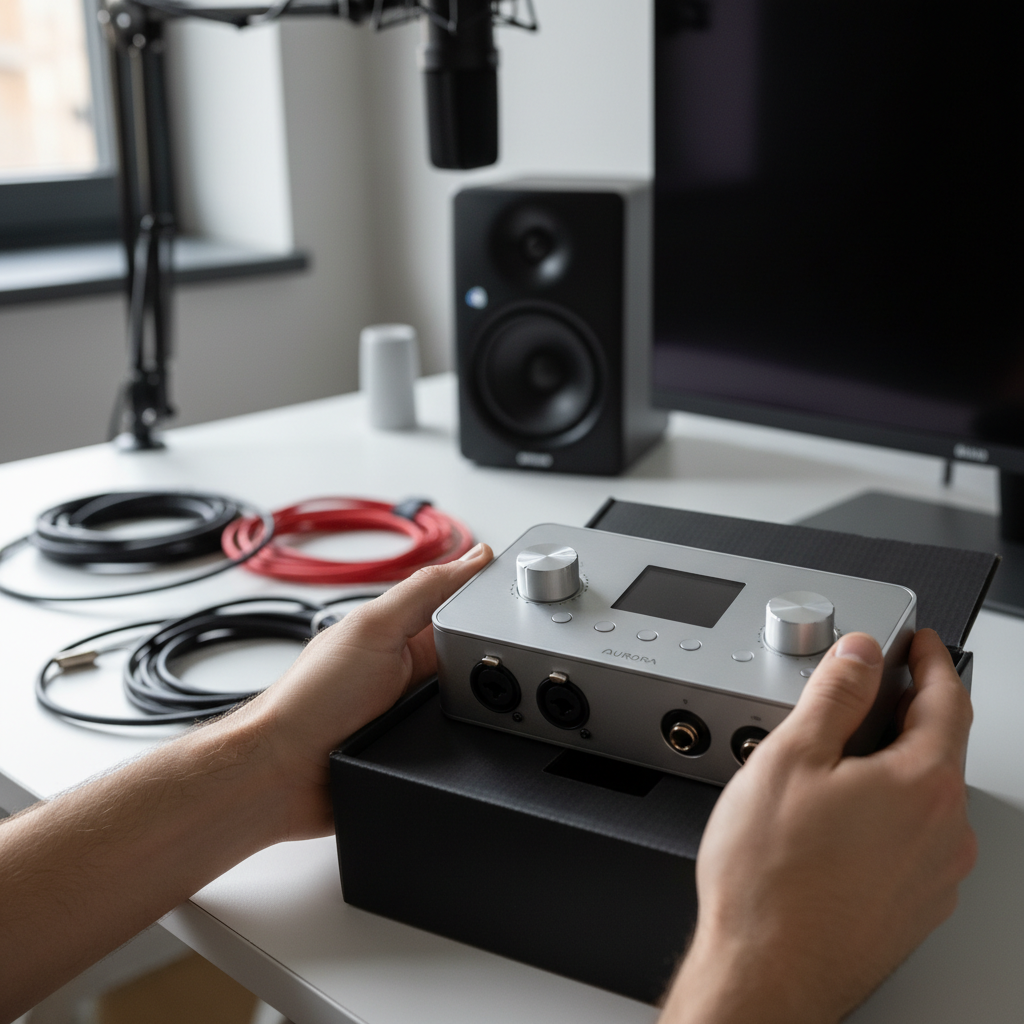
Untangling the Wires: Your First Home Studio – A Beginner’s Guide to Choosing an Audio Interface
So, you’ve decided to dip your toes into the exciting world of home recording. Maybe you’re a budding singer-songwriter, a guitarist with some killer riffs, or a podcaster ready to share your voice. Fantastic! But as you start looking at microphones, speakers, and software, you’ve likely stumbled upon a crucial, yet often confusing, piece of equipment: the audio interface. What is it? Do you really need one? And if so, how do you choose the right one without breaking the bank or getting lost in a sea of technical jargon? This article is here to demystify the audio interface and guide you through selecting the perfect starting point for your home studio.
What Exactly is an Audio Interface and Why Do I Need One?
Think of an audio interface as the translator between your musical instruments or microphones and your computer. Your computer’s built-in sound card is great for everyday tasks like watching YouTube or listening to music, but it’s not designed for high-quality audio recording. An audio interface, on the other hand, is specifically built to convert analog audio signals (like your voice from a microphone or the output from your guitar) into digital data that your computer can understand and record, and then convert it back for playback through headphones or studio monitors. It also typically provides much higher sound quality, lower latency (reducing annoying delays between playing and hearing your sound), and dedicated inputs for your gear.
Key Feature 1: Input/Output (I/O) Count – How Many Connections Do You Need?
One of the most important considerations for a beginner is the number and type of inputs and outputs (“I/O”) an interface offers. For most solo artists or podcasters, a 2-input/2-output interface is a great starting point. This usually means two microphone/instrument inputs (often called “combo jacks” that accept both XLR for microphones and 1/4-inch for instruments) and two main outputs (for connecting to studio monitors). If you plan to record yourself singing while playing guitar simultaneously, a 2-input interface is perfect. If you anticipate recording a drum kit or a full band in the future, you’ll need more inputs, but for a beginner, keep it simple. Many interfaces also include a headphone jack with its own volume control, which is incredibly useful for monitoring your sound during recording.
Key Feature 2: Connection Type and Compatibility – USB is Your Friend
For most casual users, hobbyists, and beginners, a USB audio interface is the way to go. They are widely compatible with both PC and Mac computers, generally plug-and-play, and require no additional power adapters in many cases (bus-powered). While some professional interfaces use Thunderbolt or FireWire for even lower latency and higher bandwidth, USB 2.0 or USB 3.0 offers excellent performance for home recording and is much more common. Always check the interface’s specifications to ensure it’s compatible with your computer’s operating system. Reputable brands like Focusrite, Behringer, PreSonus, and Universal Audio offer excellent USB interfaces for beginners.
Usage Tip: Monitoring with Zero Latency
When you’re recording, hearing yourself with even a slight delay (latency) can be very distracting and make it difficult to perform. Many audio interfaces offer a “direct monitoring” feature. This allows you to hear your microphone or instrument input directly through the headphones connected to your interface, *before* the sound goes through your computer and back out. This bypasses any processing delays from your recording software, providing a real-time, zero-latency monitoring experience. Look for an interface with this feature, as it will significantly improve your recording workflow and comfort.
